
A little space for someone
Tsukimi
A photo, a doodle, a little hello.
Leave something small in
their day.
In development for iPhone & iPad
Not a feed. A little connection.
Something made by you.
A moment kept by them.
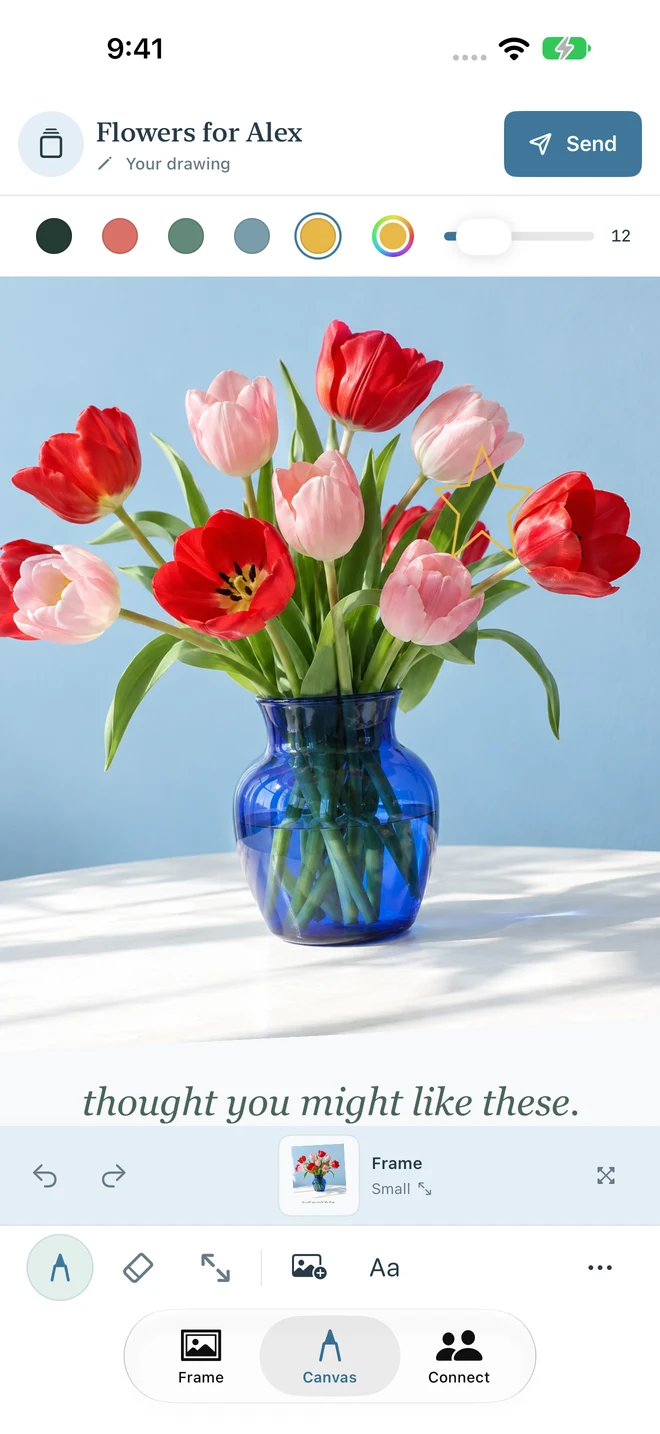
A flower from your walk. A sketch over breakfast. A few words you didn't quite know how to say. Make it your own, then send it when you're ready.
Make a little hello.
Draw, write, add a photo, or bring them together. Simple tools first; a little more control when you need it.
Send the finished thought.
Your work stays yours while you create. Preview it, then confirm Send. The drawing process isn't broadcast.
Keep it close.
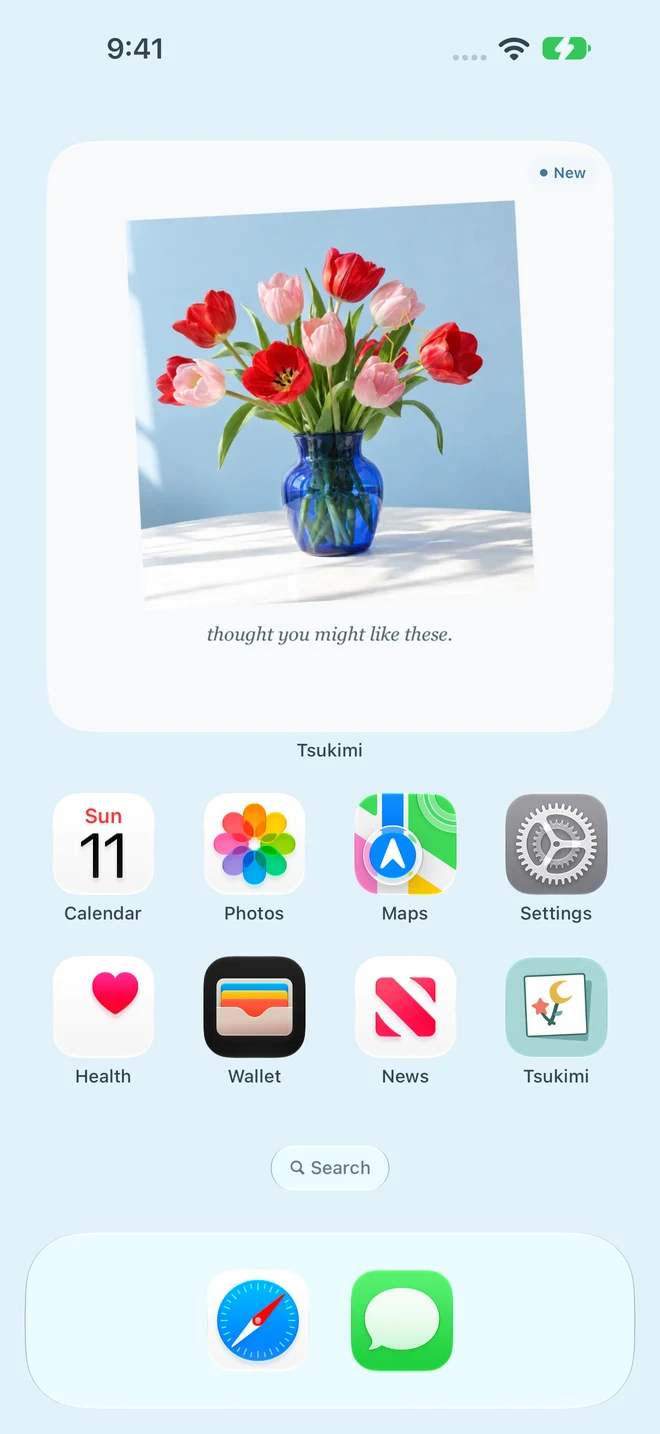
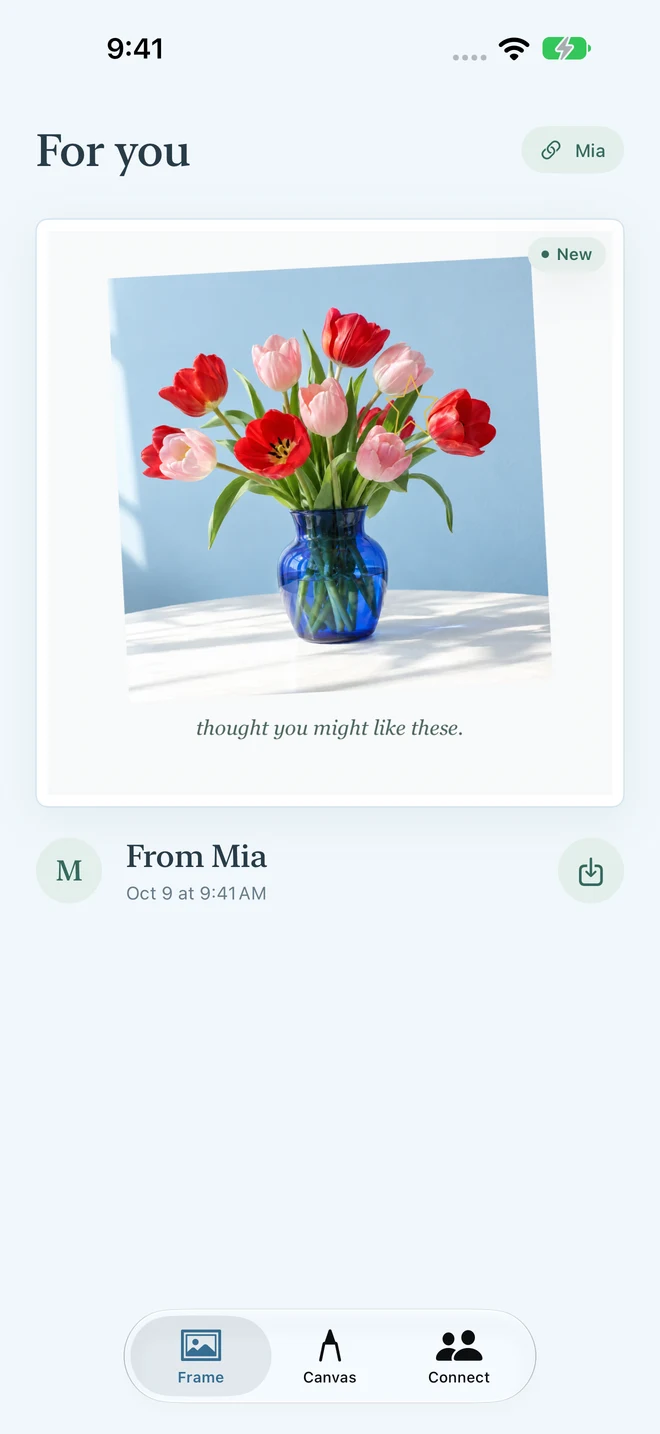
Received notes have their own space, with a quiet New marker. Add a Home Screen widget to keep a little moment in view.
From Mia to Alex
A little hello,
in three moments.
One finished note, from making to receiving. These are real app screens with fictional people and demonstration artwork, not a verified live cloud delivery.
A photo. A little ink.
Room for your handwriting, not another perfect post.
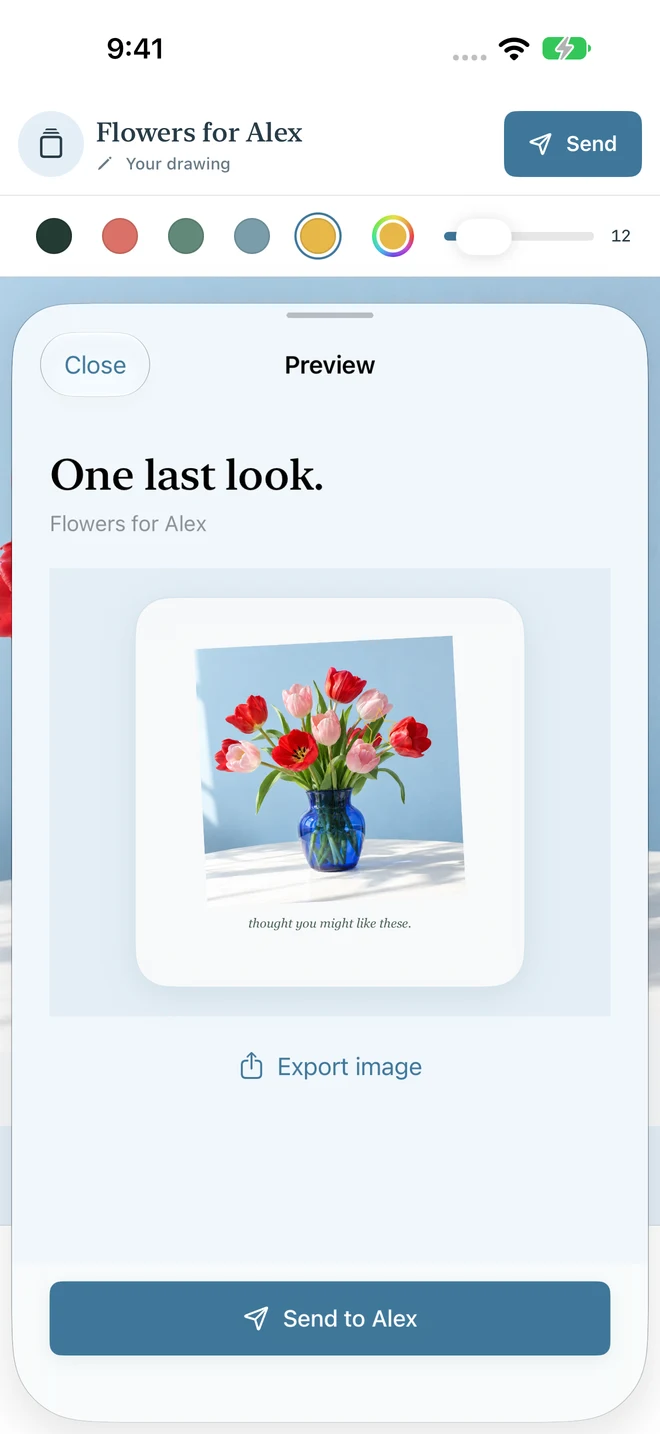
One last look.
Share the finished picture, only after you choose.
Just for someone.
Open it, keep it, save it to Photos. No editing their note.
A little more room
Your handwriting
belongs here, too.
Start simply on iPhone. Spread out on iPad, with Apple Pencil on compatible models. A blank canvas, a photo, or both.
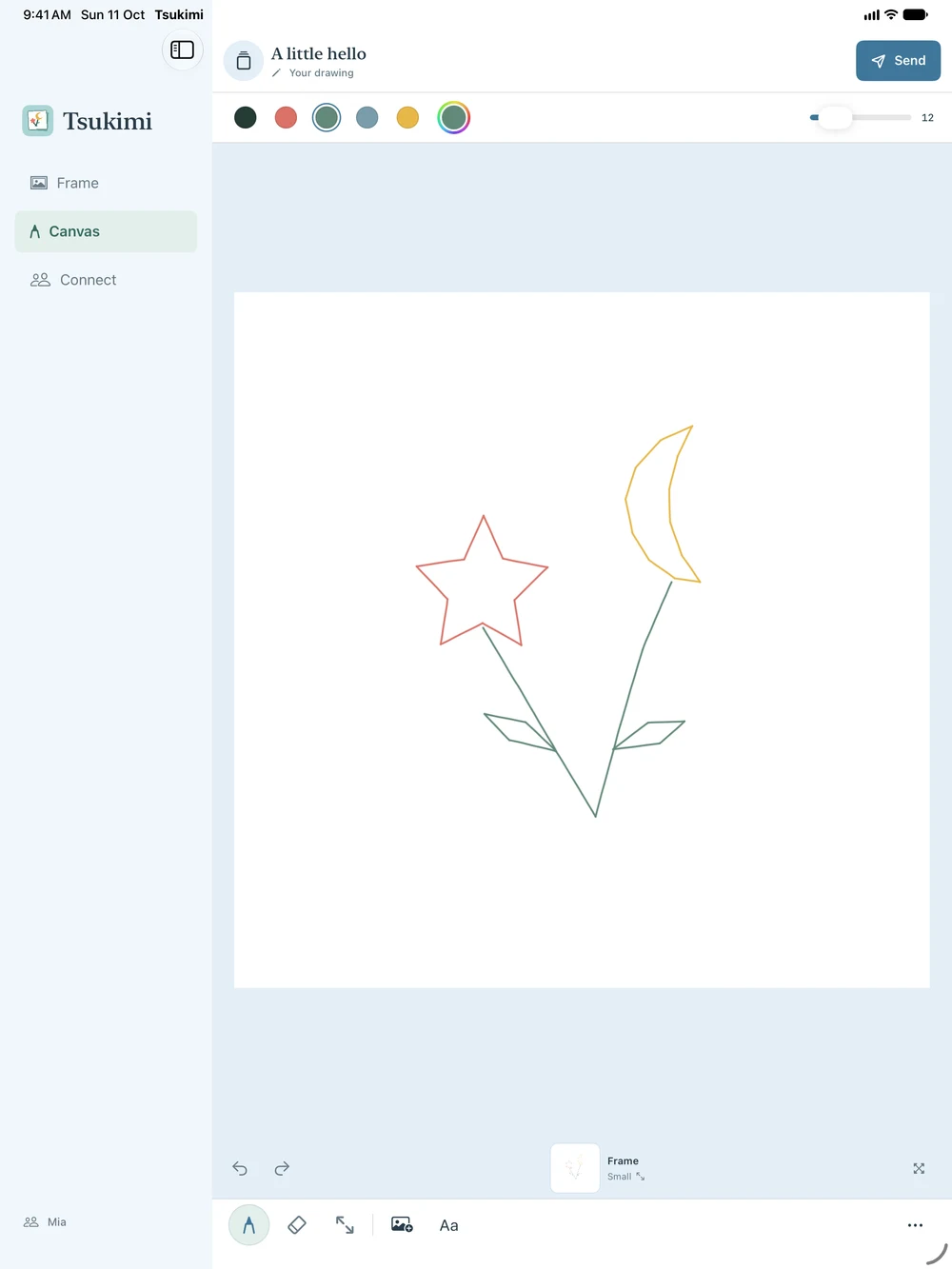
A moon-and-star hello, drawn from a blank canvas. Example captured with touch on iPad.

Just the two of you
A small space.
Not a bigger audience.
One person. One little connection. No group chats, no growing audience.
CloudKit sharing uses the iCloud account already on your device. No separate Tsukimi login, no public discovery feed. Drafts stay local; sending shares the finished image. Disconnect before pairing with someone else.
Widgets are added through the system widget gallery. iOS and iPadOS control their refresh timing, so updates aren't guaranteed to be immediate.
Read how sharing handles your dataA little help
Questions before your first hello?
Can I use it without iCloud?
Local drawing does not require a connection. Sending and receiving through CloudKit require an available iCloud account and internet access.
Will they see me drawing?
No. Only the finished image is shared after you review it and confirm Send.
Can I leave a connection?
Either person can choose Disconnect in Connect or Settings, with confirmation. Copies someone saved to Photos cannot be recalled. See connection help.
Is Tsukimi available yet?
Not yet. The app is in development. Existing-drawing rendering and live CloudKit sharing checks are still being completed before release. Please do not rely on a test build for important messages.